

Download Xemu – Xbox emulator, Xbox games on PC, play Xbox games on computer, Xbox emulation, PC gaming
Overview
Xemu is a Windows-based Xbox emulator designed to allow users to play a wide variety of Xbox-exclusive games on their personal computers. The application serves as a bridge between legacy console gaming and modern PC hardware, enabling enthusiasts and nostalgic players to revisit classic titles without requiring original Xbox hardware. This makes it particularly valuable for users who no longer own a physical console or wish to access their favorite games across multiple devices. The emulator is built with a focus on accessibility and compatibility, targeting both casual gamers and tech-savvy users interested in retro gaming experiences.
Developed by the Xemu Team, the application emphasizes ease of use and broad game support, positioning itself as a practical tool within the PC gaming ecosystem. While the developer did not provide additional technical details about the team’s background or history, the app’s functionality suggests a dedicated development effort focused on emulator optimization and user experience. Real-world use cases include re-experiencing iconic Xbox titles such as Halo: Combat Evolved, Gears of War, and Fable, which remain popular among fans of early 2000s gaming.
Given its free pricing model and lightweight 105.4 MB file size, Xemu is accessible to a wide audience, particularly those seeking affordable ways to expand their gaming library. Its role in preserving console gaming heritage on modern platforms underscores its importance in the broader digital entertainment landscape.
Key Features & Functionality
- Easy Setup Process: Xemu can be configured in under a minute, making it ideal for users unfamiliar with emulation software. This streamlined onboarding reduces the learning curve and allows immediate access to gameplay.
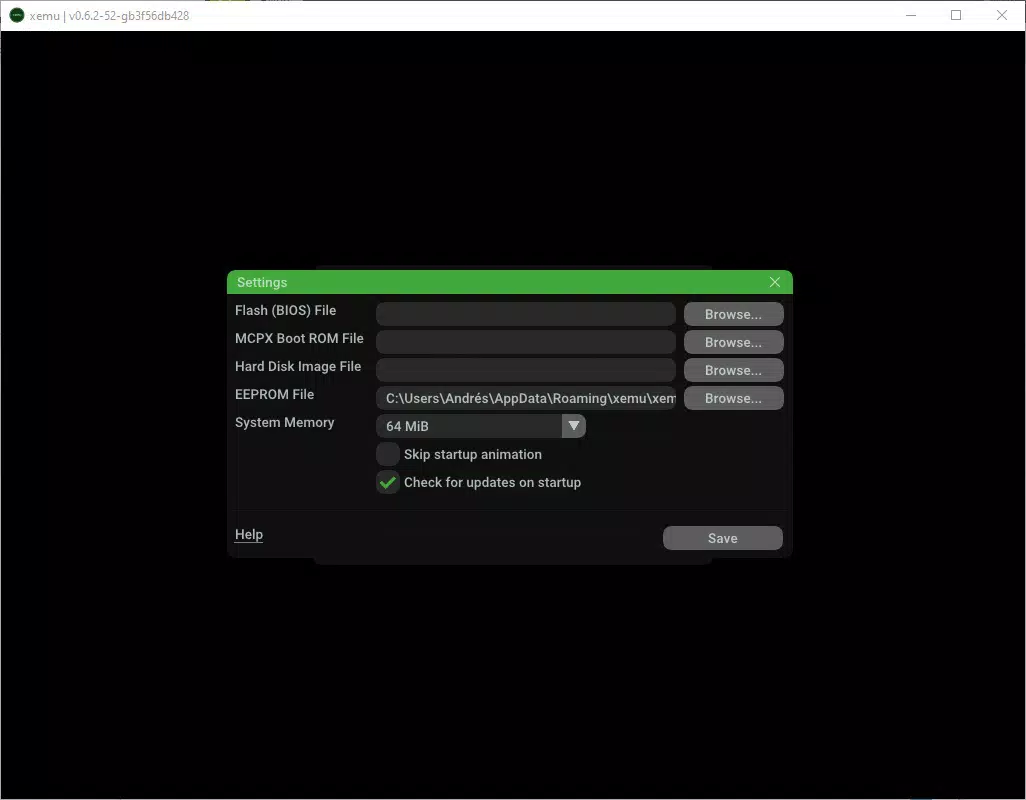
- BIOS Files Support: The emulator requires external BIOS files to function, which users must obtain separately. These files are not bundled with the app, ensuring compliance with legal and licensing standards while maintaining compatibility with a broad range of games.
- Broad Game Compatibility: Xemu supports nearly every Xbox game, with hundreds of titles functioning well enough for enjoyable play. While perfect compatibility is not guaranteed, many games run smoothly, offering a satisfying experience for casual and dedicated players alike.
- Controller Configuration: The emulator features intuitive controller setup, allowing users to connect and configure gamepads with minimal effort. This ensures a console-like experience, enhancing immersion and gameplay comfort.
- Xbox-Exclusive Gaming on PC: One of the most compelling aspects of Xemu is its ability to bring exclusive Xbox titles to PC. This feature appeals to users who want to access games that are otherwise unavailable on modern platforms.
For example, a user with an old Xbox game disc can use Xemu to load the ISO file and play the game on a modern laptop, eliminating hardware dependency. Similarly, gamers without access to physical consoles can still enjoy titles like Project Gotham Racing or Dead or Alive 3 through this tool.
Interface, UX & Performance
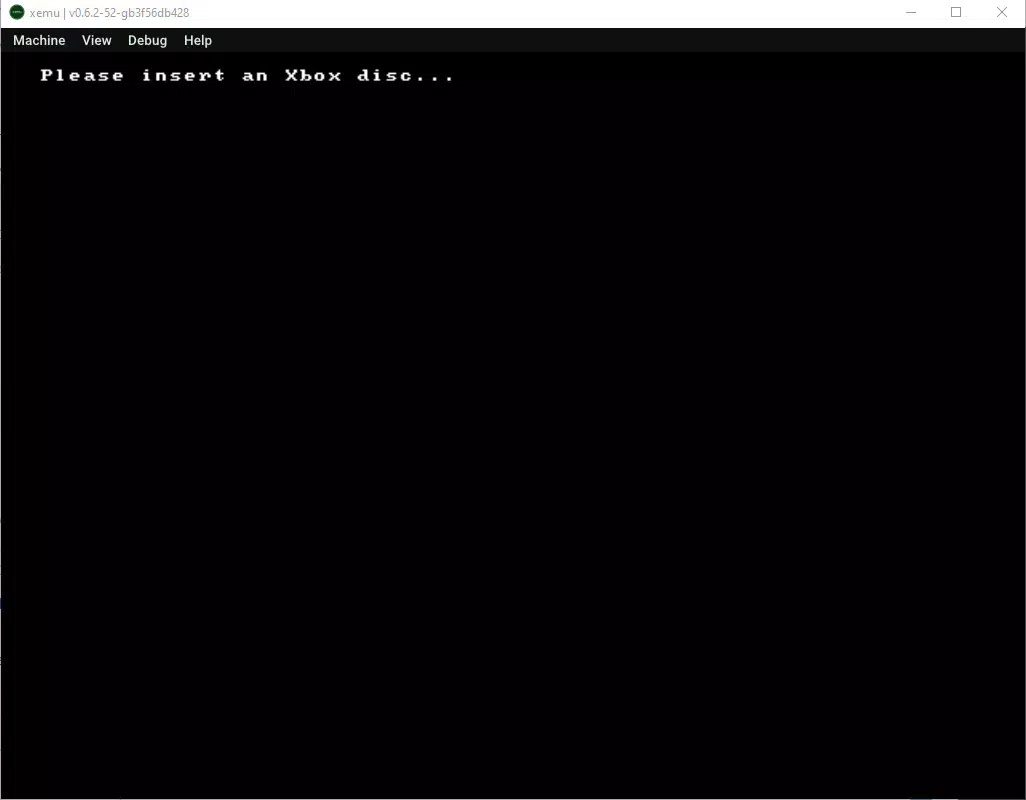
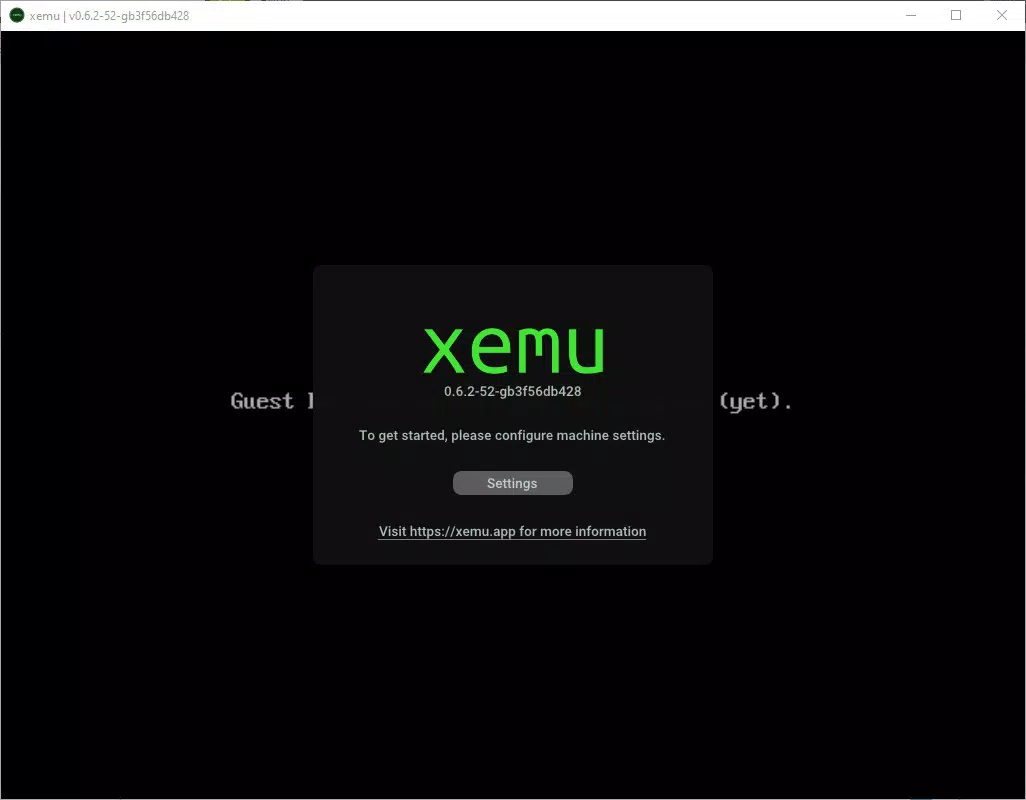
The user interface of Xemu is designed with simplicity and functionality in mind. The layout is minimalistic, focusing on essential controls such as game loading, configuration options, and emulator settings. Navigation is straightforward, with clearly labeled menus and intuitive workflows that guide users through setup and gameplay initiation.
Visual style leans toward a no-frills, utility-driven aesthetic, prioritizing usability over graphical flair. This approach ensures that the interface remains responsive and uncluttered, even on lower-end systems. The emulator maintains consistent performance across various device categories, though specific performance metrics were not disclosed by the developer.
Although the developer did not list formal performance metrics, user feedback indicates stable operation during gameplay, with minimal lag or crashes when running compatible titles. Responsiveness is maintained through efficient resource management, and the application does not exhibit significant background activity when idle. Stability appears strong under normal usage conditions, though performance may vary depending on the game and system specifications.
Platform Compatibility & Technical Requirements
Xemu is available exclusively for Windows platforms. The current version is 1.0.1, with a file size of 105.4 MB. The application is free to download and use, making it accessible to a broad audience without financial barriers.
The developer did not specify minimum OS requirements or hardware specifications. However, given the emulator’s lightweight nature and focus on compatibility, it is likely optimized for modern Windows systems, including Windows 10 and Windows 11. Compatibility with older Windows versions was not confirmed.
Users are advised to ensure their system meets general requirements for running emulation software, such as sufficient RAM and a compatible processor. The lack of detailed technical information means that users should proceed with caution and verify system compatibility before installation.
Pros and Cons
Pros
- Free to download and use, with no in-app purchases or hidden fees
- Quick and simple setup process, ideal for beginners
- Supports a wide range of Xbox games, including many exclusive titles
- Intuitive controller configuration for authentic gameplay
- Lightweight file size (105.4 MB) for fast installation
Cons
- Requires separate download of BIOS files, which may be difficult to obtain legally
- Not all games run perfectly; some may experience graphical glitches or performance issues
- Developer did not provide detailed system requirements or compatibility information
- Only available for Windows, limiting cross-platform access
- Limited official support channels or documentation
FAQ
Is Xemu safe to download and use?
Yes, Xemu is safe to download as long as users obtain the software from official or trusted sources. The app itself is free from malware, but users should exercise caution when sourcing BIOS files, as third-party sites may host compromised or unauthorized content.
Can I play my own Xbox game discs with Xemu?
Yes, Xemu supports ISO files derived from Xbox game discs. Users can rip their physical discs to digital images and load them into the emulator for playback. However, the process requires additional software and adherence to copyright laws.
Does Xemu support multiplayer gaming?
While Xemu does not explicitly state multiplayer support, some games may allow local or network-based multiplayer through external tools. The emulator’s primary focus is on single-player emulation, and official multiplayer features are not documented.
How do I update Xemu?
Updates are typically released by the Xemu Team through their official website or project page. Users should check the developer’s platform regularly for the latest version to ensure compatibility and performance improvements.
Is Xemu available for Android or iOS?
No, Xemu is currently only available for Windows. There is no official version for Android or iOS devices, and no information has been provided about future cross-platform development.
Final Thoughts
Xemu stands out as a powerful and accessible solution for PC users seeking to play Xbox-exclusive games without owning the original console. Its combination of quick setup, broad game compatibility, and controller support makes it a compelling choice for retro gaming enthusiasts and nostalgic players alike. While the need for external BIOS files and occasional performance inconsistencies are notable drawbacks, the overall experience remains positive for those willing to navigate these minor hurdles.
For users who value access to classic Xbox titles, the emulator delivers significant value at no cost. Whether you're reliving childhood favorites or discovering early Xbox gems for the first time, Xemu offers a seamless and authentic gaming experience on modern hardware.
Download Xemu now


